ABCD Gaussian Beam Propagation Software
If you are interested in contributing to the code, please send me an email.
Tutorials on Gaussian Beams
Here are a few good tutorials on Gaussian beams:
January 2009: Even newer and improved!
It looks like every two years I put out a new version. Slow but steady they say. I now have version 3.1 which includes gaussian ducts.
Get it here: ABCD 3.1
January 2007: New and improved
There is an updated version of ABCD for Mac OS X, version 3.0 beta1 (sorry for the delay). The new version has:Get it here: ABCD 3.1 if you want to use the latest version, older versions are below. There is no version for Windows and no plans for one.
What is it ?
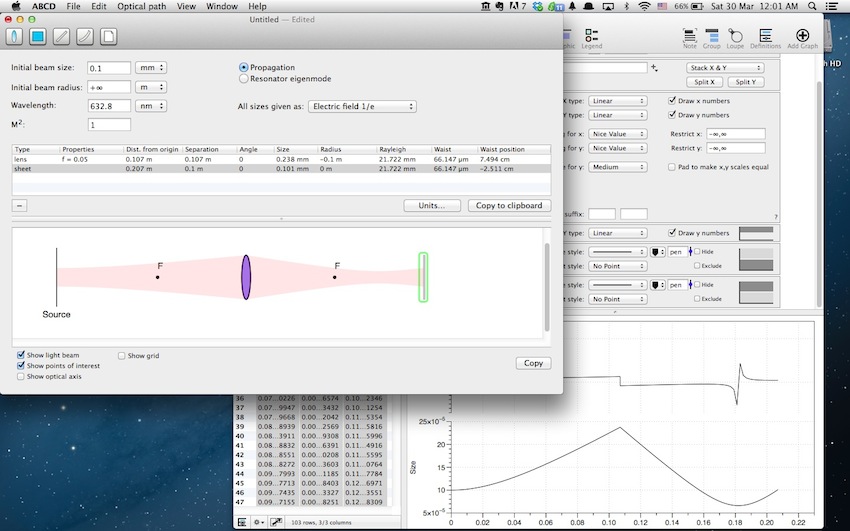
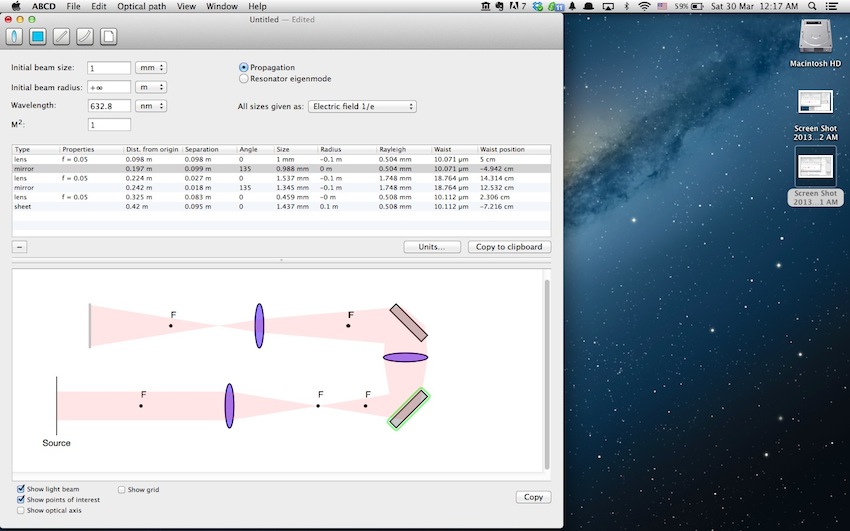
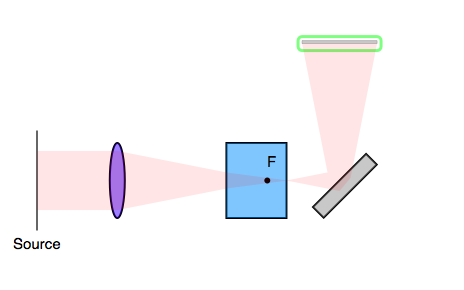
ABCD Gaussian Beam Propagation Software allows you to propagate laser beams through standard optical elements (free space, dielectric, thin lens, curved mirror, gaussian duct and dielectric interface). It can be used as a research tool for people working in optics labs and might be useful as a teaching aid for an undergraduate-level entry course in modern optics. It is available for Macintosh only and was tested on MacOS 8, 9 and OS X 10.1, but should work fine on 7.5.x. You can download the latest versions from the following link:
ABCD 3.1 if you want to use the latest version
ABCD 1.2 Fat (recommended if you run OS 7.5.x, 8 or 9 on PPC or 68k)
ABCD 1.2 Carbon. See notes below
You may require the latest version of Stuffit Expander to decompress it.I welcome suggestions and bug reports at dccote@novajo.ca. Send me an email if you want to be informed of new releases.
How does it work ?
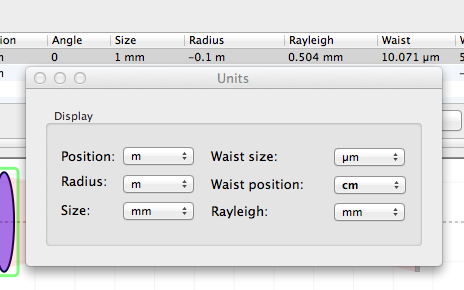
This is just a straightforward application of the Gaussian Beam formalism (a.k.a. ABCD matrices, a.k.a. Ray matrices) with the multiplication of 2 x 2 matrices and its application on a user-defined complex radius. The program simply makes a nice point-and-click interface to an engine doing standard ABCD matrices & complex radius calculations. The radius is negative when the beam is focussing, positive when it is expanding. Displacements are positive when going to the right. You can use the units you want, as long as you always use the same units. The program initially starts in cm.
The Ultimate Reference for anything related to lasers is Siegman's book. No matter how much it costs at your bookstore, it is well worth it if you plan to do any work with lasers.
"Lasers", A.E. Siegman (University Science, Mill Valley, Calif. 1986)
No, no! How does it actually work ?
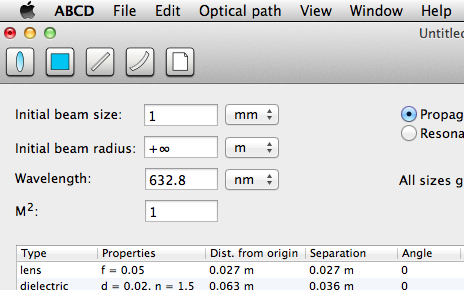
You define an optical path by adding/removing optical elements in the window. Use the keys or mouse to move the cursor around, use the palette or menus to add elements. The Backspace and Delete keys do the usual. Double-click on the icon to set the properties. The beam properties apply to where the cursor is. You can have a selection, cut, copy and paste it and even paste it backwards. Ballon help is available.
How much does it cost ?
The whole Kagi thing is not quite working for now...
.ABCD is $10 shareware. You (used to be able to) register online if you wish at Kagi's secure web site. You can also use the Register program that accompanies ABCD. Enter your name, your email address and the number of single user licenses you desire for each program you wish to purchase. Save or Copy or Print the data from the Register program and send the data and payment to Kagi. More specifics on the Register program to follow. Kagi handles my payment processing.
If paying with Credit Card, you can email or fax the data to Kagi. Their email address is sales@kagi.com and their fax number is +1 510 652-6589. You can either Copy the data from Register and paste into the body of an email message or you can Save the data to a file and you can attach that file to an email message. There is no need to compress the data file, it's already pretty small. If you have a fax modem, just Print the data to the Kagi fax number.
Payments sent via email are processed within 3 to 4 days. You will receive an email acknowledgement when it is processed. Payments sent via fax take up to 10 days and if you provide a correct internet email address you will receive an email acknowledgement.
If you are paying with Cash or USD Check you should print the data using the Register application and send it to the address shown on the form, which is:
Kagi
1442-A Walnut Street #392-ZTP
Berkeley, California 94709-1405
USA
You can pay with a wide variety of cash from different countries but at present if you pay via check, it must be a check drawn in US Dollars. Kagi cannot accept checks in other currencies, the conversion rate for non-USD checks is around USD 15 per check and that is just not practical. If you have a purchasing department, you can enter all the data into the Register program and then select Invoice as your payment method. Print three copies of the form and send it to your accounts payable people. You might want to highlight the line that mentions that they must include a copy of the form with their payment. Kagi can not invoice your company, you need to act on my behalf and generate the invoice and handle all the paperwork on your end. Please do not fax or email payment forms that indicate Cash, Check or Invoice as the payment method. As far as we know, there is still no technology to transfer physical objects via fax or email and without the payment, the form cannot be processed. Payments send via postal mail take time to reach Kagi and then up to 10 days for processing. Again, if you include a correct email address, you will hear from Kagi when the form is processed.
Version 1.2
Version 1.1.3, Carbon
Version 1.1.3
Version 1.1.2
Version 1.1.1
Version 1.1
Version 1.0b5
Version 1.0b4
Version 1.0b3:
Known Features/Bugs
Road Map
Several things could/will eventually be added to the program:
Who made it ?
I am assistant professor in the departments of Physics and Cellular Neurobiology, and holder of a Canada Research Chair in Biophotonics at Universite Laval, Quebec City, Canada. Modelling of simple laser beams behaviours can be done with ABCD matrices and that's why I developped C++ classes for manipulating ABCD matrices and complex radii.
Daniel Cote dccote@novajo.ca http://www.novajo.ca/abcd/
Legal Matter
No warranties expressed or implied. And if you think there is a mistake, you always have Siegman. ABCD is Y2K-compliant.